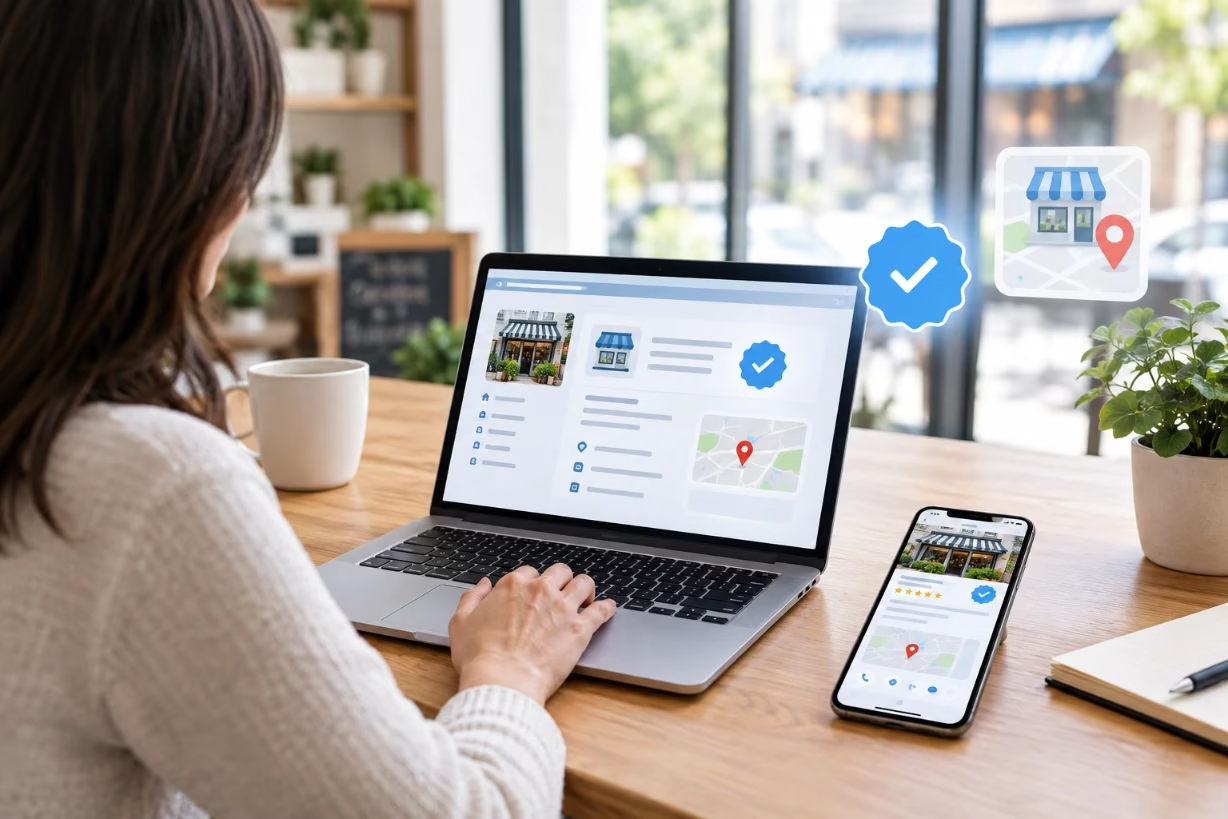
To claim a loc8nearme badge for your business, first find your existing listing on Loc8NearMe, click the claim or edit option on that profile, submit proof you own the business, then wait for manual approval. Once verified, your claimed listing can show a trusted “owned” or loc8nearme badge style signal to customers.
Why Claiming A Loc8nearme Badge Matters For Local Businesses
When I talk about a loc8nearme badge, I am really talking about a claimed, verified presence on Loc8NearMe that signals to real people that a business is actively managed. Even if the site does not literally call it “loc8nearme badge” in big letters, the effect is the same. A claimed listing looks more trustworthy, shows better details, and often gets more clicks than an empty, unclaimed profile.
Most local directories work the same way. They either scrape public data or accept free submissions, then give business owners a way to claim those profiles and attach a verified or claimed badge to them. That claimed look is what many owners mean when they ask how to get a loc8nearme badge for their shop, restaurant, clinic, or service business.
If you run anything that lives and dies on local search traffic, a claimed profile with a loc8nearme badge style trust marker is not something I would ignore. Loc8NearMe reaches people who are already searching for a business near them and often ready to call, visit, or buy. When your details are wrong or your listing looks abandoned, you lose those easy wins to a competitor down the street.
How Loc8NearMe Works Behind The Scenes
Before I walk through the steps to claim a loc8nearme badge, it helps to know how the platform usually gets your data in the first place. In most cases, one of three things happened:
- Loc8NearMe pulled your details from other public databases or directories.
- A customer added your business when they checked in or left a review.
- You or a staff member created a basic listing long ago and forgot about it.
That is why you can sometimes search your brand name and see a Loc8NearMe listing you never signed up for. It may have an old phone number, missing website, or wrong hours. The listing exists, but nobody owns it from your side. Until you claim control and earn a loc8nearme badge style verification on that listing, you are stuck watching bad data float around the web.
Claiming is basically you raising your hand and saying, “Yes, that is my business, and I am the one who should manage this page.” The directory then checks that claim using simple methods like email or phone verification. Once you pass that check, they mark the profile as owned or verified. That quiet little mark acts like your loc8nearme badge in the eyes of customers comparing options.
Step By Step: How To Claim A Loc8nearme Badge For Your Business
I am going to break this into clear steps you can follow. Even if the exact buttons or wording look a bit different on your screen, the flow stays almost the same across most local directories.
Step 1: Search For Your Existing Loc8NearMe Listing
Your first move is simply finding out what already exists. Open Loc8NearMe in your browser and use the search bar at the top.
Type:
- Your business name, and
- Your city or ZIP code.
Look through the results for any listing that clearly matches your business. Compare the address, phone number, and category. Do not worry yet if the info is messy or outdated. You are just trying to confirm that Loc8NearMe knows your business exists in some shape or form.
If you cannot find anything close to your brand, you likely do not have a listing yet. In that case, you will be starting a new listing, which I will explain in a later section. Getting that live listing is the first move toward any future loc8nearme badge you want connected to your brand.
Step 2: Open The Profile And Look For Claim Or Edit Options
Once you tap on the right search result, you land on your public Loc8NearMe profile. This is the page customers see when they search in your area, so pay attention to what is already showing: photos, reviews, map pin, hours, and any extra notes.
Now, scroll the page slowly and look for buttons or links like:
- “Claim this business”
- “Own this business?”
- “Edit details” or “Suggest an edit”
- “Are you the owner?”
Every platform labels this a bit differently, but the goal is the same. You want the option that asks if you are the owner or manager. Clicking that is usually how you start the process that leads to a claimed status or a loc8nearme badge style verification marker on the listing.
Step 3: Create Or Sign In To Your Loc8NearMe Account
To claim a listing, you almost always need an account with the directory. Loc8NearMe is no different. Once you click the claim or manage link, you will be prompted to either:
- Sign in to an existing account, or
- Create a new owner account with your email and password.
Use an email that you and your team plan to keep long term. I prefer something like marketing@yourdomain.com or info@yourdomain.com instead of a personal address, because it is easier to share logins with trusted staff later if needed.
After you sign up or log in, the site usually ties your user account to that specific business profile, at least in a pending state until you verify. This is the step where you show Loc8NearMe you are serious about managing your digital presence and earning that loc8nearme badge that shows real ownership.
Step 4: Submit Ownership Details For Verification
Next comes the part where you prove you actually run the business. Every local directory handles this in its own way, but common methods include:
- Sending a code to the business email already listed on the profile.
- Sending a text message or automated call to the listed phone number.
- Asking for a document upload like a utility bill, license, or tax record.
Your goal is to complete that verification as quickly and cleanly as possible. Double check that you have access to the phone or email they want to use. If the contact info on the listing is outdated, you may have to message their support team and explain the situation. That can take a little more time, but it is still worth it to secure your loc8nearme badge style claimed status once and for all.
When you pass this step, Loc8NearMe marks your account as the owner or manager of that listing. On many directories, that flips the visual design of the profile, giving it a claimed icon, verified check mark, or other loc8nearme badge style element that tells customers someone is actively in charge.
Step 5: Wait For Manual Review If Required
Some directories approve claims instantly after you complete the verification. Others run every claim through a human review queue. From what I have seen, Loc8NearMe leans on manual review more heavily than some of the giants, which means you might see a notice like “Your listing is in review” for a while.
During this waiting period:
- Do not spam multiple new claims for the same business.
- Do watch your email for any follow-up questions from their team.
- Do gather any supporting documents they might ask for a second time.
This is the part that frustrates a lot of owners, because everybody wants their loc8nearme badge right now. I get that. But review steps are there to keep fake or spam listings from taking over the results in your area. I would rather wait a little longer and know that my competitors also have to play by the same rules.
What To Do If You Cannot Find Or Claim Your Listing
Not every path to a loc8nearme badge is smooth. Sometimes your business does not show up in search. Or maybe you see your brand name, but the listing looks like it belongs to a different location or old owner. Here is how I handle those messy cases.
Case 1: Your Business Is Not Listed At All
If Loc8NearMe does not show your business in any form, you are going to start from scratch. Look on the site for a link that says something like “Add your business” or “List your business.” These usually live in the footer, top menu, or a “For Business Owners” section.
When you click that, you will be asked for basics:
- Business name and category
- Full address or service area
- Phone number and website
- Hours and a short description
Fill those fields with care. The more accurate you are here, the stronger your profile will feel once any loc8nearme badge or claimed status shows up next to it. After you submit the form, the listing goes into their review line. Once it is live, you can repeat the claim process described above if they require a separate claim step.
Case 2: Someone Else Already Claimed Your Listing
Every so often, you click “Claim this business” and get a message saying the listing is already managed by another account. That can happen when:
- A former owner claimed the profile and never handed it over.
- An old marketing agency signed up and kept the login info.
- A staff member used their personal email and left the company.
In that case, look for a “Request access” link or contact form. Many directories let you submit a new claim that goes to their support team. You will usually be asked for extra proof, like a business license or matching email address on your domain. Stay calm and respond with clear, simple details. The goal is to show you have the right to the loc8nearme badge for that location now, even if someone else controlled it before.
How To Optimize Your Loc8NearMe Listing After You Claim It
Claiming alone is not magic. A loc8nearme badge type label helps, but what really pulls in customers is the quality of the content on that page. Once you have owner access, I would block off at least 30 to 45 minutes to go over every field in your profile.
Complete Every Core Detail Field
Start with the basics:
- Make sure your business name matches your signage and website.
- Use the same address and phone number you have on Google Business Profile and your homepage.
- Write a short, clear description that uses words people actually search, not fancy fluff.
- Set accurate hours, including special hours if you close for holidays.
Search engines and customers both notice when your details match across different sites. When your Loc8NearMe listing lines up with what people see on maps, review sites, and your own site, that loc8nearme badge style claimed signal feels even more trustworthy.
Add Photos That Reflect Real Life
Do not stop at text. Your profile should show what it feels like to visit your location. Upload clean, well lit photos of:
- Your storefront or entrance
- Inside views of the space
- Key products, menu items, or services
- Your team at work, if they are comfortable being on camera
These photos are not about perfection. They are about honesty. When a person sees photos that match what they see when they drive by, your loc8nearme badge style claimed listing feels real and relatable, not fake or staged.
Respond To Reviews With A Steady Voice
Many directories let owners reply to reviews once they claim their listing. That is one of the biggest hidden benefits behind the loc8nearme badge idea. Your replies show up for everyone who lands on the page.
When you respond:
- Thank people for kind words without sounding robotic.
- Address complaints directly, and, if needed, invite the person to call or email you to resolve the issue.
- Stay calm even when the review feels unfair.
I have seen one sincere, respectful owner reply change how a harsh review looks to every future reader. Your claimed status and loc8nearme badge type label support that, because people know they are hearing from the actual business, not a random stranger.
How A Claimed Loc8NearMe Listing Helps Your Broader Local SEO
Local search is a puzzle made of many little pieces. Your website, your Google Business Profile, your social media, your reviews, and your citations on directories like Loc8NearMe all come together to tell search engines who you are, where you are, and how much people trust you.
When your Loc8NearMe profile is claimed and shows a loc8nearme badge style trust marker, it becomes a stronger citation in that puzzle. Search engines see:
- Consistent name, address, and phone number across the web.
- Real customer activity through reviews and clicks.
- Active owner management through recent updates and photos.
Over time, that can help your business appear more often when someone nearby searches for your service type, even if they are not starting on Loc8NearMe itself. You do not control every factor in search, but a clean, claimed, loc8nearme badge backed listing is something fully in your hands.
Practical Tips To Keep Your Loc8NearMe Badge Working For You
The claim process is not one and done. Think of your profile like a storefront window. If you never touch it again, the details go stale and people drift past without noticing. Here is how I like to maintain a loc8nearme badge backed profile without adding a lot of stress to the week.
Set A Simple Maintenance Schedule
Open your calendar and set a recurring reminder once a month labeled “Check Loc8NearMe listing.” When that reminder pops up, log in and:
- Confirm hours are still correct.
- Scan reviews and respond to any new ones.
- Add a new photo if you have something fresh to show.
This small habit keeps your loc8nearme badge style claimed listing looking alive. It also helps you catch changes you did not make, which can happen when third party data sources update behind the scenes.
Use The Same Details Everywhere
Any time you change your phone number, move to a new suite, or adjust your hours for good, think through every place that change needs to be reflected:
- Your website
- Google Business Profile
- Major review sites
- Local directories like Loc8NearMe
Make it a rule that you never change one without changing the others. That way your loc8nearme badge style trust signal always sits on top of clean, matching data. That match is exactly what both people and search engines are looking for when they decide whether to trust what they see.
Final Thoughts: Make Your Loc8NearMe Presence An Asset, Not An Afterthought
A lot of business owners treat directories as background noise. I understand why. You are busy running the actual business and taking care of real customers. But when a site like Loc8NearMe already ranks for your business name or category, your listing there becomes a kind of digital front door. A claimed listing with a clear loc8nearme badge type signal tells people that someone is home.
Claiming that profile, cleaning up the details, and keeping it fresh is not about chasing every new trend. It is about respect for the people who are trying to find you, often on a small screen, in a hurry, maybe with kids in the back seat or a problem they need fixed right now.
If you take thirty to sixty minutes this week to search for your business on Loc8NearMe, claim the listing, and guide it all the way through to a loc8nearme badge style verified status, you turn a loose, half right listing into a real asset. Over time, that calm, steady work can bring you more calls, more visits, and a stronger reputation in your own backyard.